Academy

Experience technology, expand your skills.

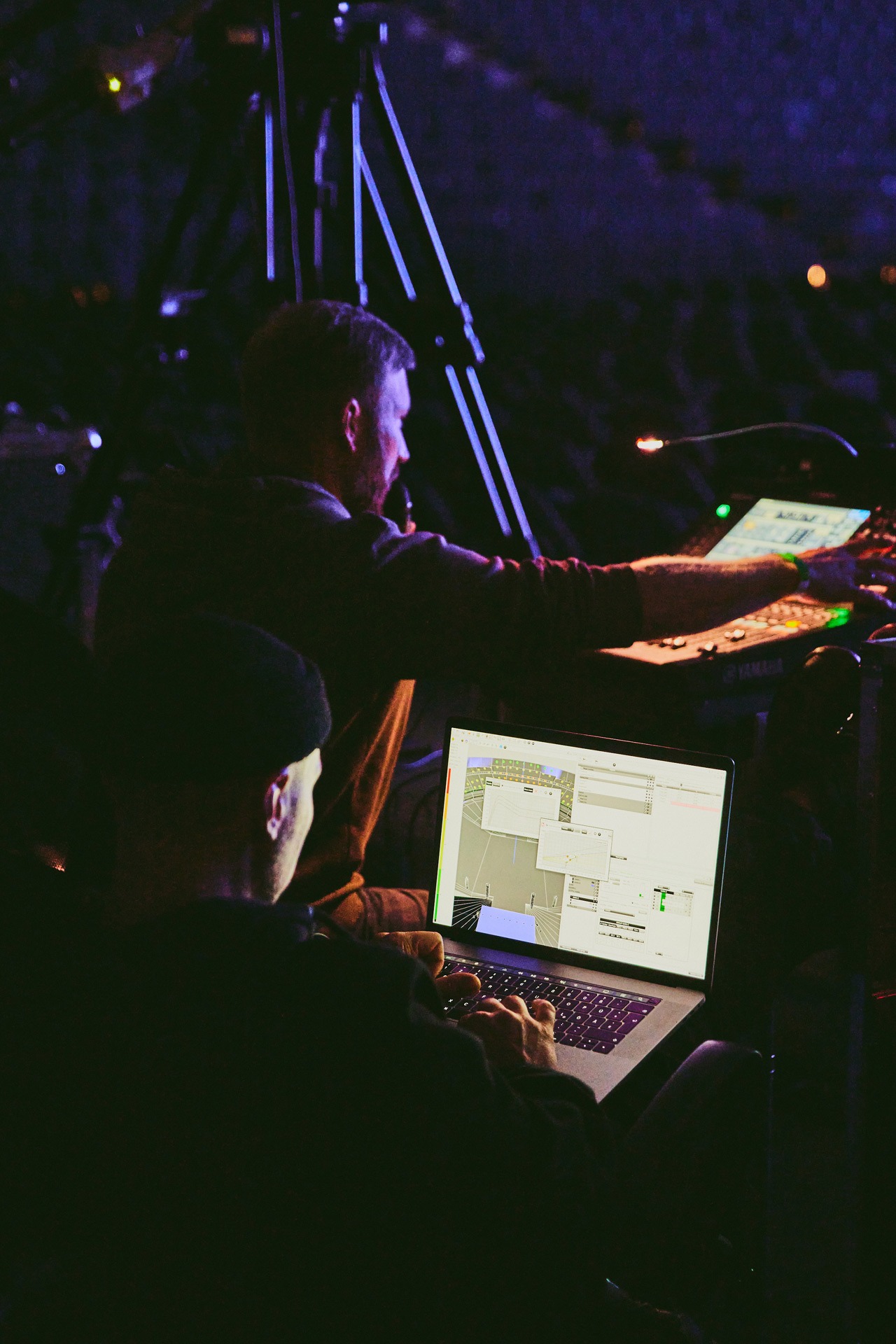
In our Academy, we offer users practice-oriented product training with direct access to the latest technologies and close partnerships with leading manufacturers.
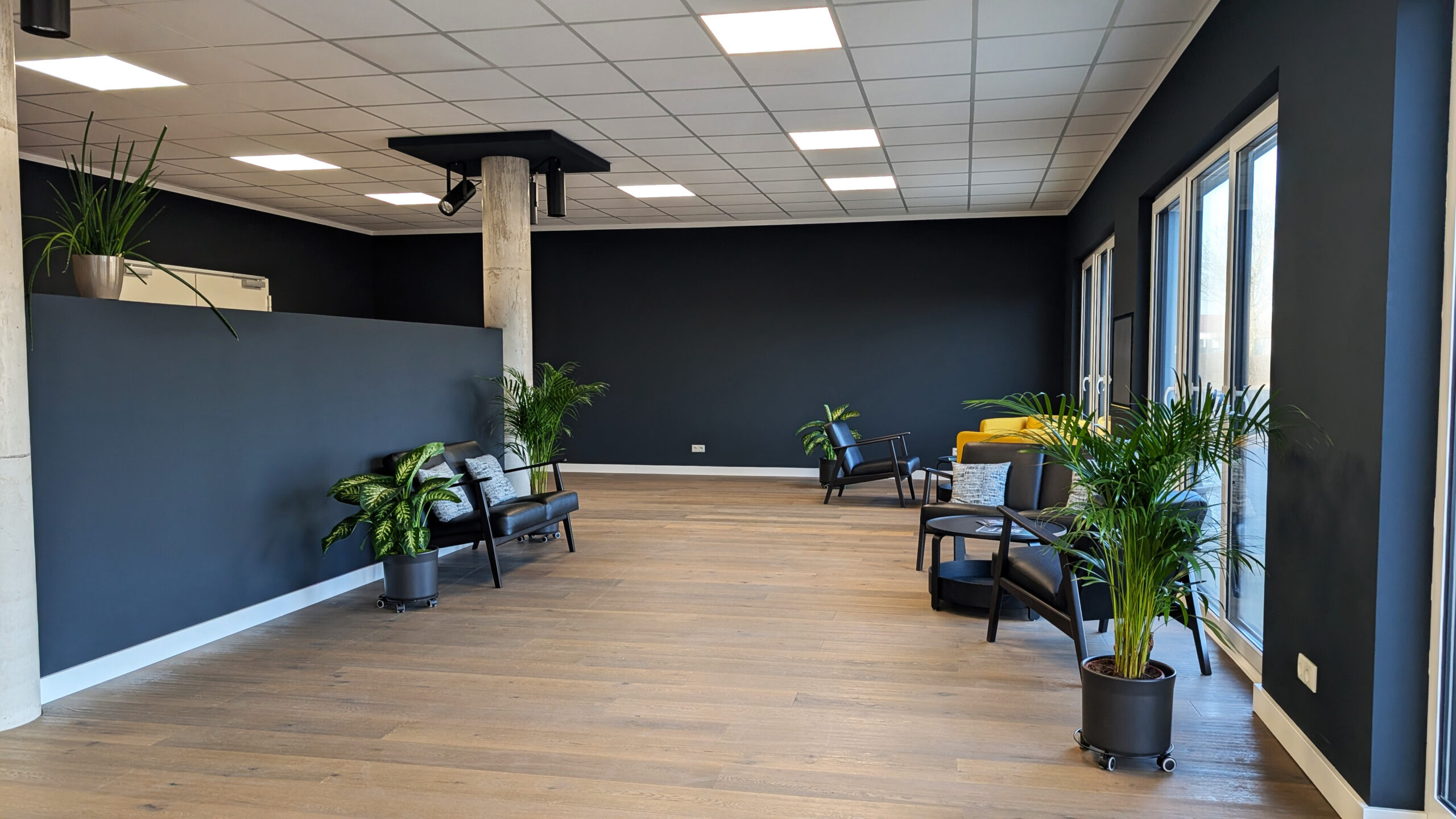
Product training

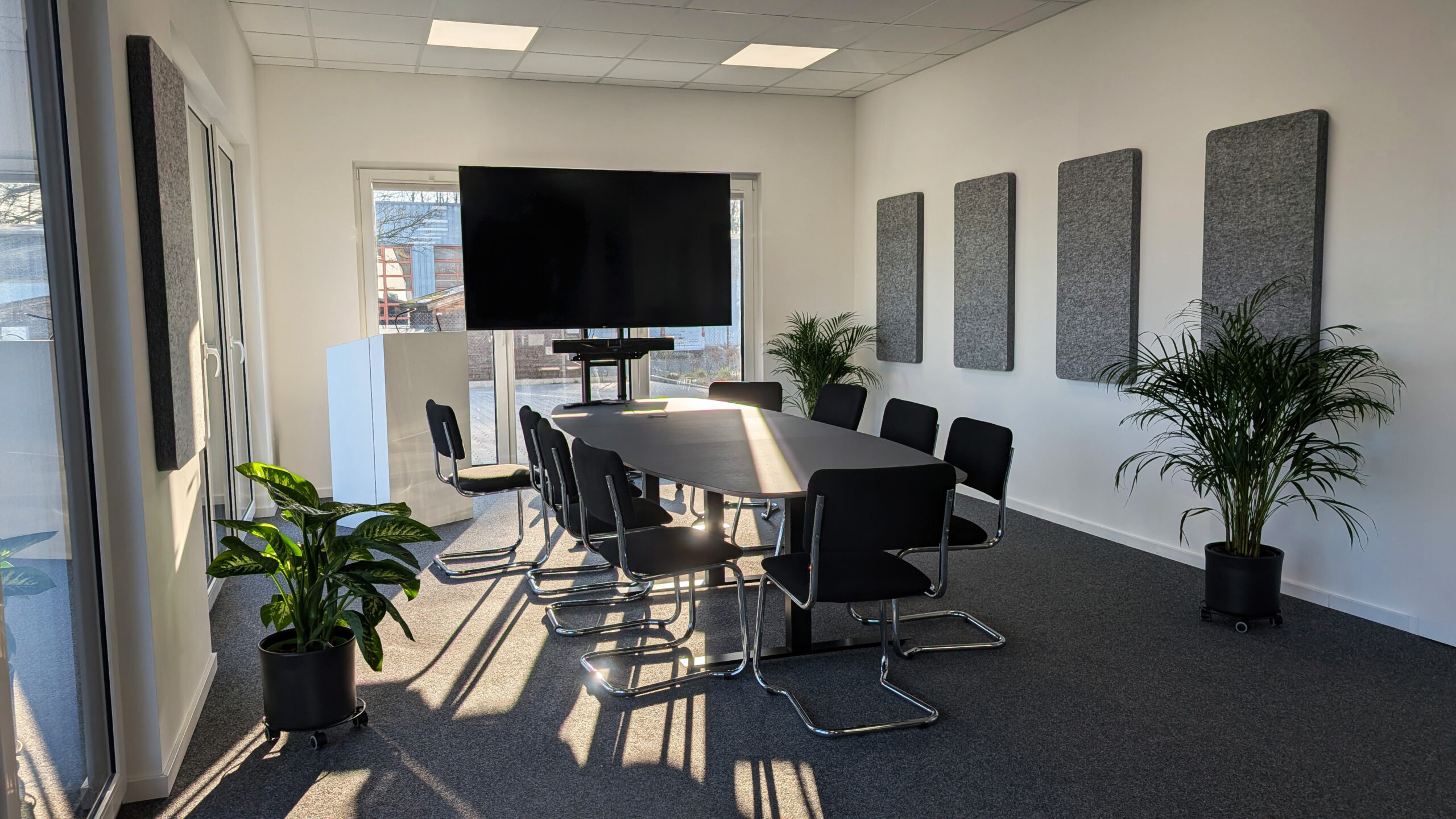
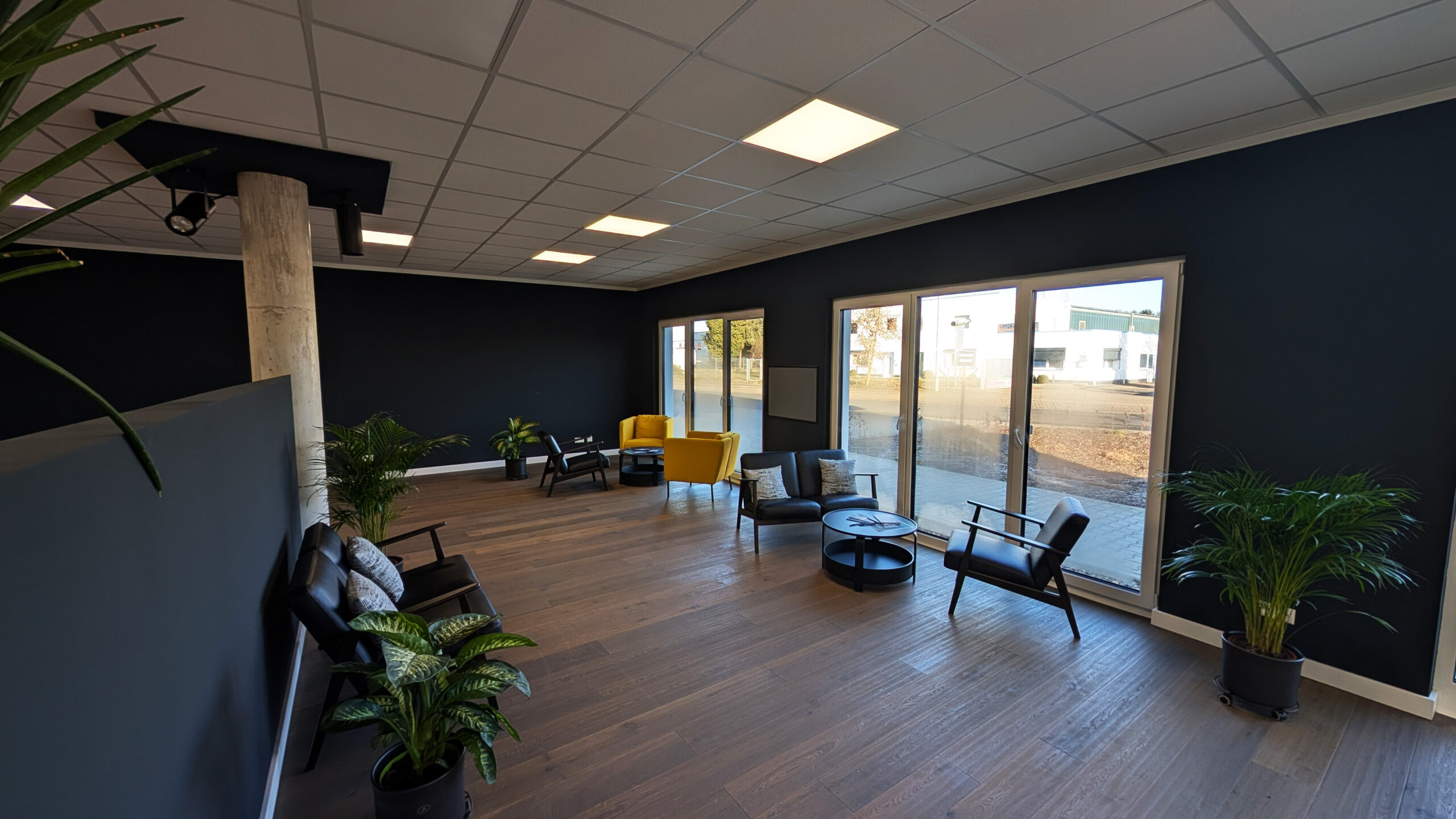
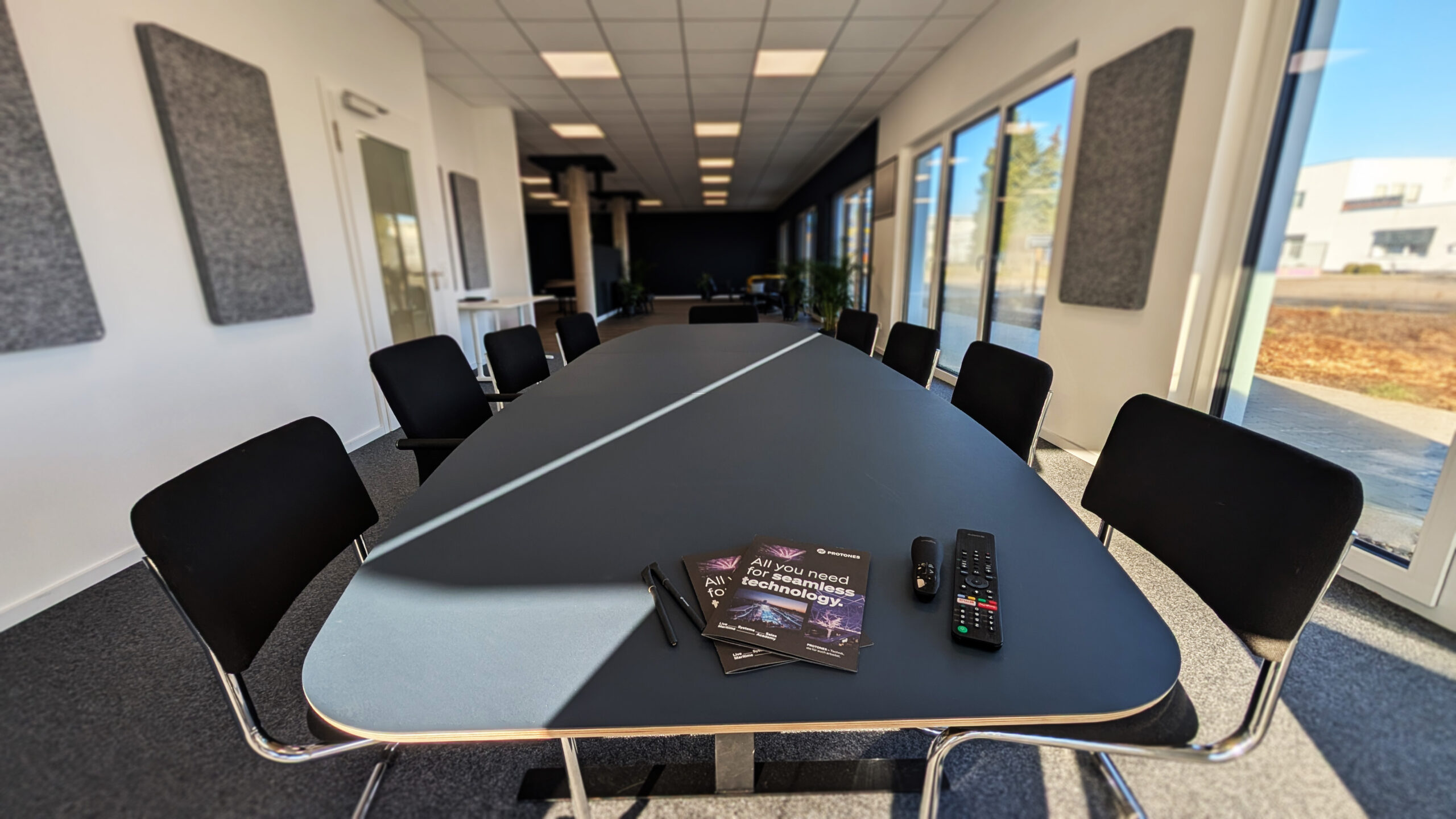
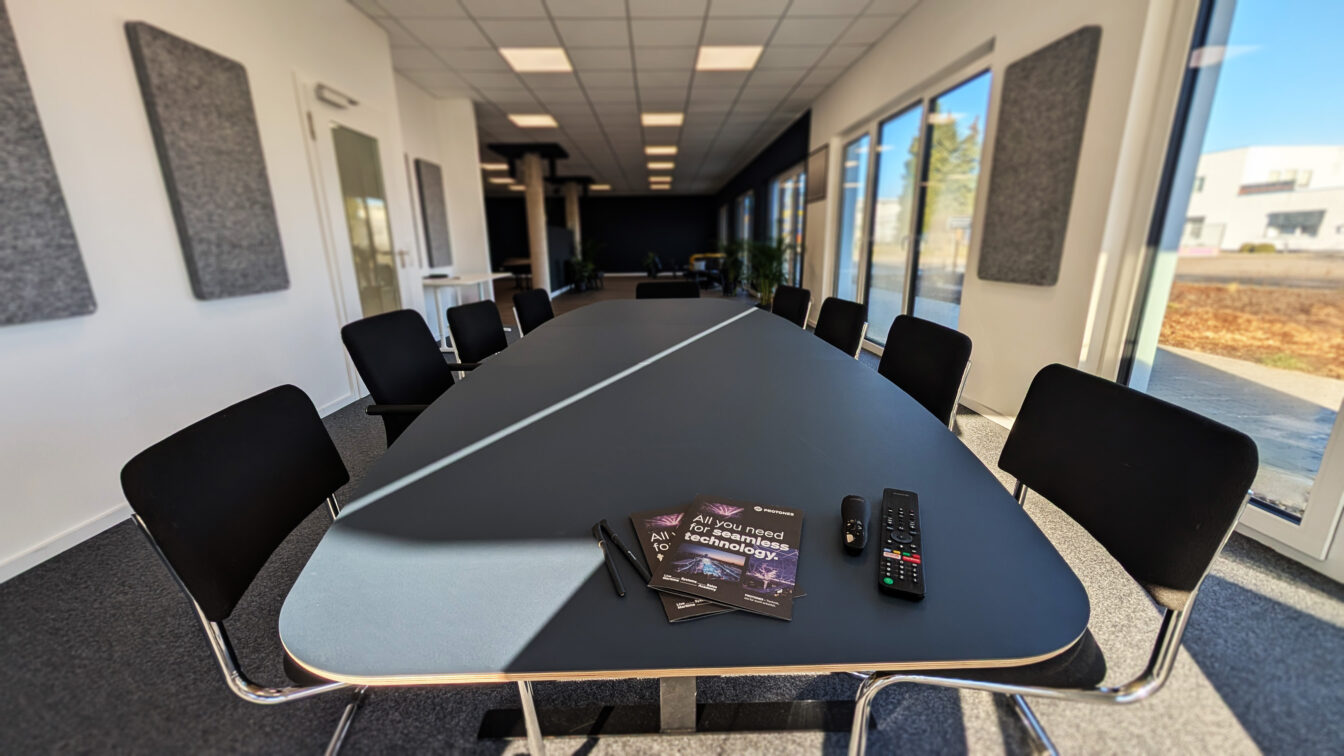
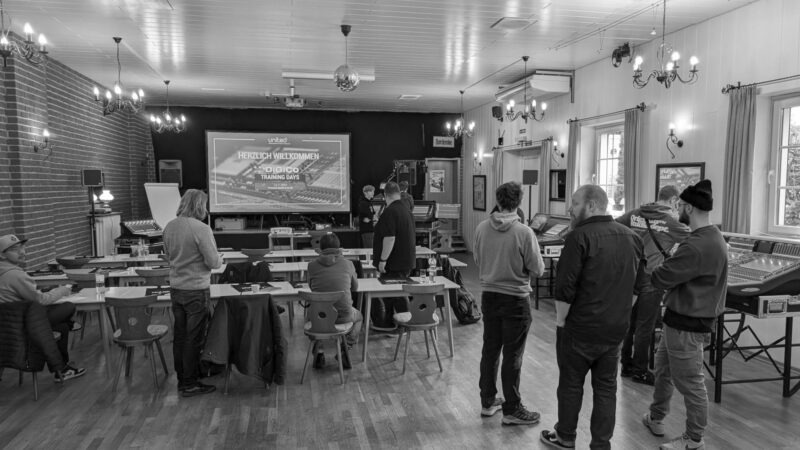
Protones Academy training room
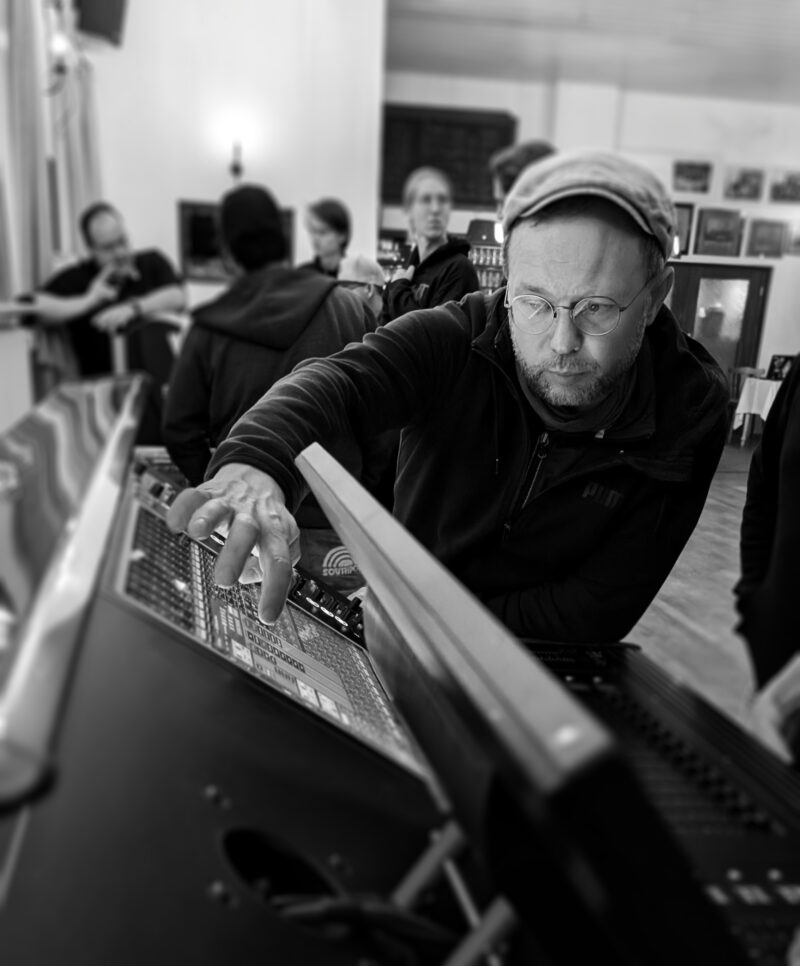
Learn from the professionals: Our product training courses are developed in close cooperation with leading manufacturers of event technology. Here you learn directly from the professionals who developed the technology how you can get the most out of your systems. Each training course offers in-depth product and application knowledge so that you can use the technology successfully in your projects.

Internal training

Are you looking to provide targeted professional development for your employees? Then let’s work on this together. We offer in-house training programs tailored specifically to you, your team, and your goals. Whether you’re interested in specific topics, customized formats, or unique requirements—we’ll explore the possibilities and make it happen. Just get in touch with us, and together we’ll find the right solution.

Further training

The PROTONES Academy focuses on practical and product-related skills that are directly linked to the requirements of the industry. In the areas of lighting technology, sound technology and media technology, our experienced team is constantly developing new training concepts that address the latest technical developments.

What's on?

We update our program regularly, so it's worth checking back from time to time.

The Academy offers a wide-ranging training program with a focus on event technology, media technology and lighting and sound technology. We regularly present a new program with product training courses that are tailored to the latest developments in the industry. You can view our current dates and courses here:

Prerequisites:
The "grandMA3 User Training" is for users with
knowledge of the MA E-learning courses, the MA Tips videos and the webinars.

Aim:
This 2-day course covers all the basic functions of the grandMA3 software and lighting consoles and familiarizes users with the grandMA3 operating philosophy.
The content builds on the grandMA3 Essentials training, is covered in detail and consolidated through exercises.

Basics
Software philosophy
Hardware and connections
Setup
Patch
Views
Integrated 3D visualization

Simple programming
Groups
Selecting and operating fixtures
Programming concept

Presets and sequences
Preset concept
Sequences and tracking
Saving and editing moods

Phaser
Phaser basics
Creating and editing phasers

Further functions and settings
Programming tools
Network basics

Registration grandMA3 Training

Two days of concentrated know-how for all those who want to get more out of the practice.

Our experts will be on site in Lüneburg to show you what the DiGiCo S, SD & Quantum series, as well as Sound Devices, KLANG and Fourier Audio have to offer using practical features.

Understanding and implementing everyday challenges on the monitor and FoH. That's what it's all about and that's why: "Hands-on instead of frontal sound!"

With plenty of equipment in our luggage and almost excessive enthusiasm, we put together a two-day program with our friends from Protones that left no questions unanswered.

⚠️ Note: Bring your own in-ear headphones to experience the monitoring for yourself!

Participation is free of charge - places are limited!

Register now and secure your place!

We look forward to seeing you,

Your United Brands & Protones Team

Spectera October 26

Workshop 10:00 - 17:00 incl. lunch.

We take a closer look at the Sennheiser Spectera system and explore many possible applications in a practical test.

Spectera is the world's first bidirectional, wireless wideband ecosystem. Thanks to Sennheiser's innovative WMAS technology, audio professionals benefit from the future of wireless audio transmission: with up to 64 audio links per rack height unit, full remote control and bodypacks that can handle in-ear monitor and microphone/line signals simultaneously.

This is what real innovation sounds like

The future of professional audio technology is here - and it's bidirectional. With up to 64 audio links (32 inputs and 32 outputs each) in just one rack height unit, Spectera is the world's first bidirectional, digital, wireless broadband ecosystem. It gives audio professionals completely new possibilities and unprecedented flexibility. Spectera's Audio Link Modes allow each link to control latency, audio quality and much more, while the bodypacks can simultaneously handle in-ear monitor and mic/line signals.

Revolutionary reliability

At the heart of Spectera is Sennheiser's Wireless Multichannel Audio Systems (WMAS) technology and its unique combination of modulation and multiplexing methods. This makes Spectera many times less sensitive to RF fading and dropouts than narrowband systems. Spectera provides redundancy where it matters most: redundant power supplies, multiple Dante and (optional) MADI inputs and outputs, and the ability to add antennas to either create redundancy, increase coverage or increase system capacity by utilizing additional frequency ranges.

The workshop will be led by Karl Schuster from Sennheiser.

Course Description:

Over the course of two days of guided, interactive sessions, you will build real-world projects using SP Grid Studio. From creating visual interfaces and automations to linking devices, triggers, and data streams.
You’ll leave with a deep understanding of SP Grid’s low-code environment, ready to develop your own control and monitoring systems with precision.

New feature topics:

  • Core Software Skills – Navigate Grid Studio’s UI, layout views, and license manager.

  • Visual Logic & Events – Build automation using node-based logic and real-time triggers.

  • Actions – Simplify complex workflows into reusable, modular events.

  • Widgets & UI Design – Create custom control panels, dashboards, and branded interfaces.

  • Data Monitoring & Calibration – Visualize and track live system parameters with confidence.

  • Plugins & Extensions – Learn how SP Grid connects with external devices and technologies.

Training in English

Bring: alaptop with the following minimum specifications:

RAM: 16GB
Processor: 6-core with a base frequency of 2.9GHz
Hard Disk: 2GB of free space for software and project files
Network: 1G network interface
OS: Windows 10 64-bit

Download:Grid Studio – Free Software
Sign up for a free SP account to access the latest release of Grid Studio in the Downloads section of your account.

Sign up here:  https://event-buddy.de/events/sp-grid-foundations-training

Coming soon!

System Tuning & PA Setup – 3-Day Seminar

From an empty room to a perfectly tuned PA system:

In this hands-on 3-day seminar, you will learn how to reliably design, measure, and specifically optimize sound reinforcement systems.

The focus is on what really matters in everyday life:

A solid understanding of physics, precise system tuning, and reproducible results—regardless of manufacturers or tools.

The seminar will be led byMatthias Huber—one of the most experienced systems engineers in our industry, with many years of practical experience in touring, installation, and system design.

Here's what you can expect

  • Practical assembly and tuning of complete setups
  • An easy-to-understand explanation of sound, phase, propagation times, and related concepts
  • Measurement and Analysis Technology (FFT, Prediction, Alignment)
  • Subwoofer and Array Concepts
  • Line Arrays: Planning, Setup, and Optimization

All content is put into practice through hands-on exercises—ensuring quick application in day-to-day tour and project work.

Target:

You truly understand systems—and can configure them efficiently and consistently. You also have the option of using your own measurement software. You can easily participate even if you don't have your own system.

Procedure

  • Start: daily at 9:30 a.m.
  • End: approx. 5:00 p.m.
  • Lunch break: 1:00 p.m., including hot meals
  • Hot and cold beverages are available all day long

Requirements

Basic knowledge of sound reinforcement is a plus. A laptop is recommended.

Sign up here:   https://event-buddy.de/events/unbranded-sound-system-design-engineering-reloaded-

These two consecutive days of training lay the foundation for confident and sustainable use of Vectorworks. The focus is not merely on familiarizing yourself with individual tools, but on understanding the fundamental workflow—from 2D and 3D drafting and structuring to the efficient organization of projects. The goal is to create a solid foundation upon which all further, more specialized applications can be built. At the same time, the course prepares participants for intelligent workflows and Vectorworks Spotlight without overloading them with the basics or jumping ahead.

Here's what you can expect

· Proficiency in using the Vectorworks interface, files, and basic settings

· Basics of 2D drawing, editing, and structured workflows

· Introduction to coordinates, scales, and the systematic arrangement of objects

· Understanding of layers, classes, and well-organized project structure

· Getting started in 3D space, including navigation and simple solid objects

· Foundations for efficient, sustainable work as the basis for Spotlight and specializations

Dec. 8 – DAY 1 – Rigging Design with Vectorworks (Open Training 1)

This training course provides an introduction to practical rigging design using Vectorworks Spotlight. Building on the fundamentals, it covers all the key tools and workflows needed to design truss and rigging systems in a structured and realistic manner. The focus is not only on placing objects, but also on the effective use of data, information, and system logic in a rigging context. In addition, we’ll demonstrate how to neatly organize planning content into layouts to produce clear and professional outputs.

Here's what you can expect

  • Confident Use of Core Rigging Tools in Vectorworks Spotlight
  • Properly plan, align, and organize trusses, systems, and connections
  • Working with chain hoists, drops, trim heights, and system logic
  • Using object information, IDs, and symbol structures for clean planning
  • Introduction to Data Management in the Context of Rigging (Tables, Legends, Analysis)
  • Structured design and layout preparation for clear, professional exports

Dec. 9 – DAY 2 – Lighting Design with Vectorworks (Open Training 2)

This training course focuses on practical lighting design using Vectorworks Spotlight. Building on the fundamentals, participants will learn the key tools and workflows needed to plan, organize, and accurately represent lighting fixtures in a structured manner. In addition to simple fixture placement, the course will cover the handling of fixture data, patching, labeling, and systematic organization within the plan. Additionally, the course demonstrates how to neatly format lighting designs and translate them into clear, professional layouts.

Here's what you can expect

  • Safe Use of Lighting Tools and Spotlight Libraries
  • Position and align spotlights correctly, and plan their placement in typical setups
  • Working with Device Data, GDTF, DMX Patches, and Spotlight Numbering
  • Structured labeling, class logic, and organization of lighting plans
  • Introduction to Data-Driven Work in the Context of Lighting (Lists, Information, Analysis)
  • Converting lighting plans into layouts for clear and professional outputs

Dec. 10. DAY 3 – Video Planning with Vectorworks (Open Training 3)

This training course provides practical, structured instruction in video planning using Vectorworks Spotlight. The focus is on the professional use of LED walls, projection surfaces, and video technology—from proper placement to technical and visual representation in the plan. In addition to working with objects, data, labels, and classification systems are also used strategically to clearly represent complex content. The course also demonstrates how to properly document video planning and prepare it for clear, high-quality design documents.

Here's what you can expect

  • Confident Use of Video Tools and LED Wall Objects in Vectorworks Spotlight
  • Configure and edit LED walls, and create even complex shapes
  • Working with video equipment such as projectors, monitors, and cameras
  • Use of object information, numbering, and labeling in a video context
  • Introduction to Data-Driven Workflows for Video Planning (Structure, Overview, Analysis)
  • Formatting video plans into clear layouts for professional plans and exports

12/11 DAY 4 – Audio Design with Vectorworks (Open Training 4)

This training course focuses on structured audio planning using Vectorworks Spotlight. You will learn how to plan speaker systems in a practical manner, position them correctly, and map them out in the room in a technically sound way. This involves not only geometry but also the targeted use of object information, system logic, and labeling. Additionally, the course demonstrates how to document audio plans thoroughly and translate them into clear, professional planning documents.

Here's what you can expect

  • Proficiency in using audio tools and speaker libraries
  • Placing, aligning, and planning speaker systems in typical setups
  • Working with object information, angles of inclination, and system logic
  • Use of numbering, labeling, and structured plan organization
  • Introduction to Data-Driven Work in an Audio Context (Information, Overview, Analysis)
  • Preparation of audio layouts in clear formats for professional plans and exports
With us, you learn from the best, with state-of-the-art technologies and in an atmosphere that makes learning an experience.


    ACADEMY Contact Person

    “Buddy” Sebastian Gottheit

    Creative Lead

    gottheit@protones.de

    +49 (0) 4131 – 24490 29